Open your email client, (Outlook.live.com)
A good shortcut would be to copy someone else's signature out of an email from them. Provided it is correctly formatted. See this document:
https://hivalliance.freshdesk.com/support/solutions/articles/151000178126-email-signature-compliance-with-agency-standards
Click on the settings icon:
Select Account and then Signatures
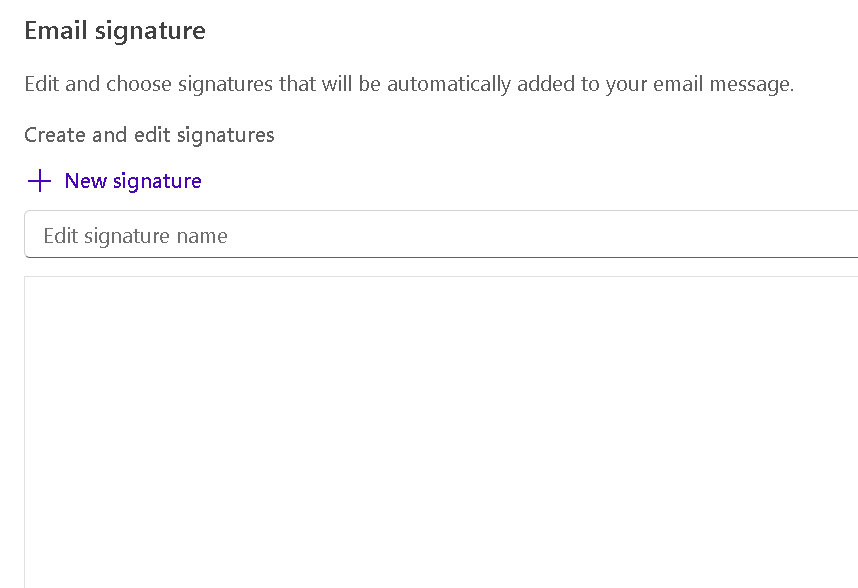
Paste the copied signature into the Create and edit signatures window:
Update the Name, pronouns and job title to yours. Also, change the address and phones when necessary for your location.
Next to update the email address hyperlink instructions in this video: https://www.youtube.com/watch?v=EYGuuutDGBg

Give your signature a name:

Then choose Save.
Example:
Debra J. Williams (She/Her)
IT Specialist

1195 City View St.
Eugene, OR 97402
P: 541-342-5088 ext. 101
C: 541-517-1884
F: 541-342-1150
www.hivalliance.org
Supporting individuals living with HIV/AIDS and preventing new infections.
Information contained in this message may be privileged and confidential and protected from disclosure. If the reader of this message is not the intended recipient, or an employee or agent responsible for delivering this message to the intended recipient, you are hereby notified that any dissemination, distribution or copying of this communication is strictly prohibited. If you have received this communication in error, please notify us immediately by replying to the message and deleting it from your computer.
Was this article helpful?
That’s Great!
Thank you for your feedback
Sorry! We couldn't be helpful
Thank you for your feedback
Feedback sent
We appreciate your effort and will try to fix the article