
Access Network Drives
Step 1: Ensure you are connected to the AllianceStaff Wi-Fi.
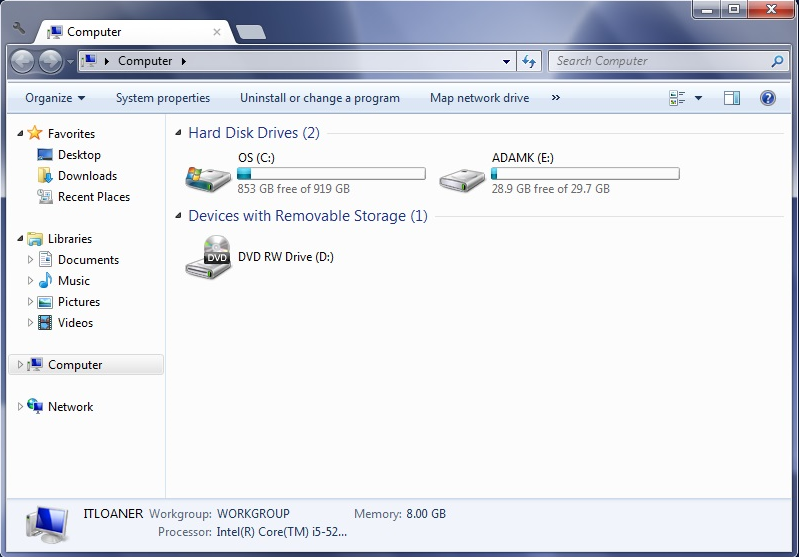
Step 2: Open Windows Explorer
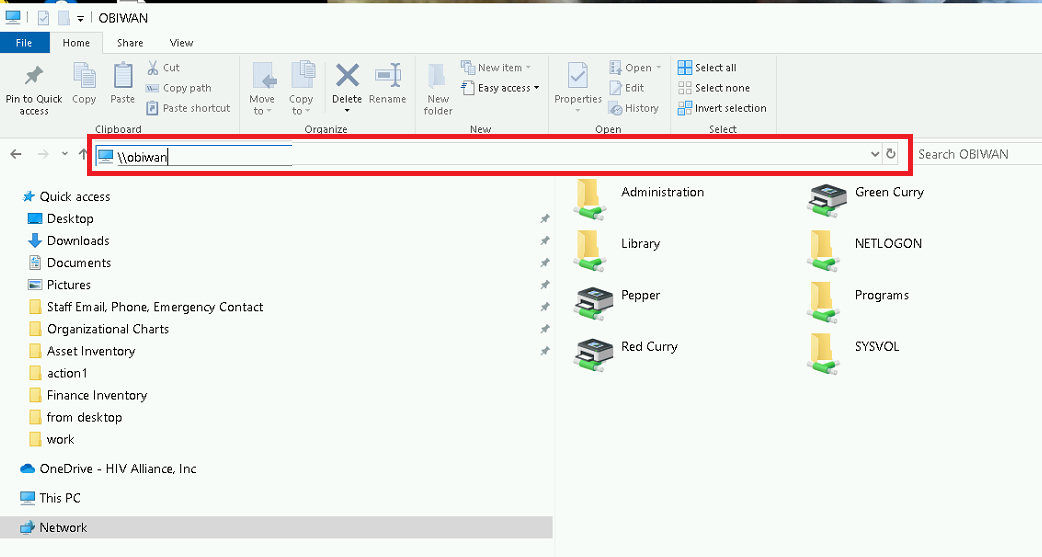
Step 3: In the address bar type: \\obiwan or \\172.16.0.4
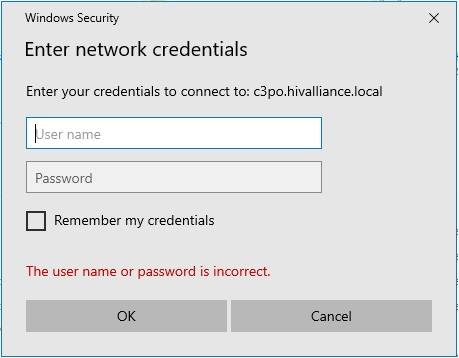
Step 4: You may be asked to login with your network credentials as if you were logging into the network.
Put 'hivalliance\' in front of your user name (hivalliance\user name) and then enter your current password.
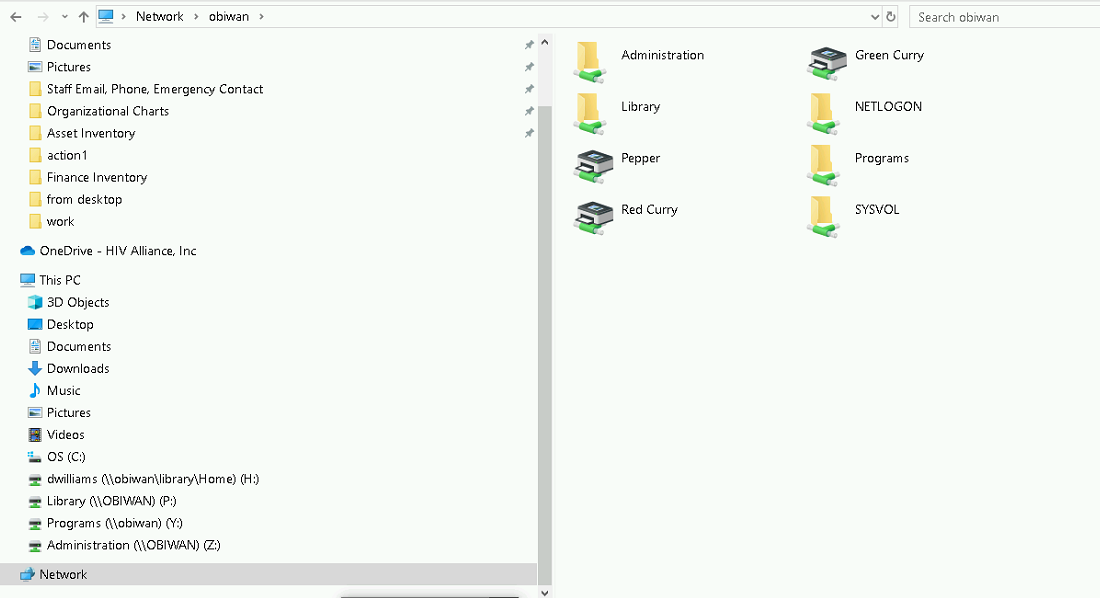
Step 5: From here you should see all the network drives, but will only have access the ones you have permission to access:
Was this article helpful?
That’s Great!
Thank you for your feedback
Sorry! We couldn't be helpful
Thank you for your feedback
Feedback sent
We appreciate your effort and will try to fix the article